Discord Bot Setup
AgEnD runs on Discord through your own bot application: a forum channel gives each agent instance its own thread, and ClassicBot slash commands work in any text channel. This guide covers creating the server, creating the application, and getting theBot Token that agend quickstart asks for. Takes about 5 minutes.
Screenshots are from a Traditional Chinese Discord client; the English labels are named in the text.
Use a dedicated server
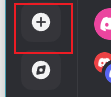
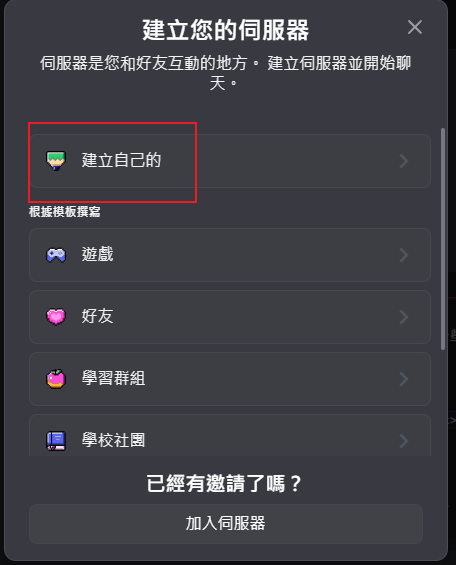
Create the bot application
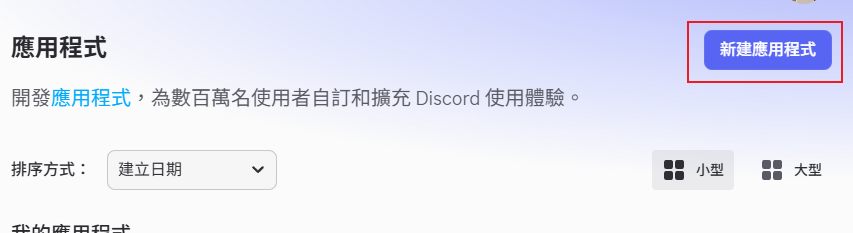
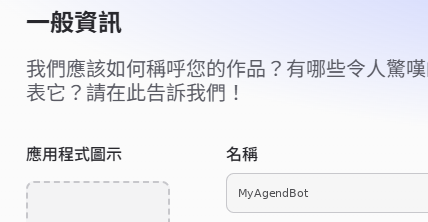
Name the application
Give it any name — this becomes your bot's display name in Discord. Accept the terms and create it.
Copy the Bot Token
Go to the Bot tab → Reset Token → copy the value. Discord shows a token exactly once, so save it now — agend quickstart will ask for it.
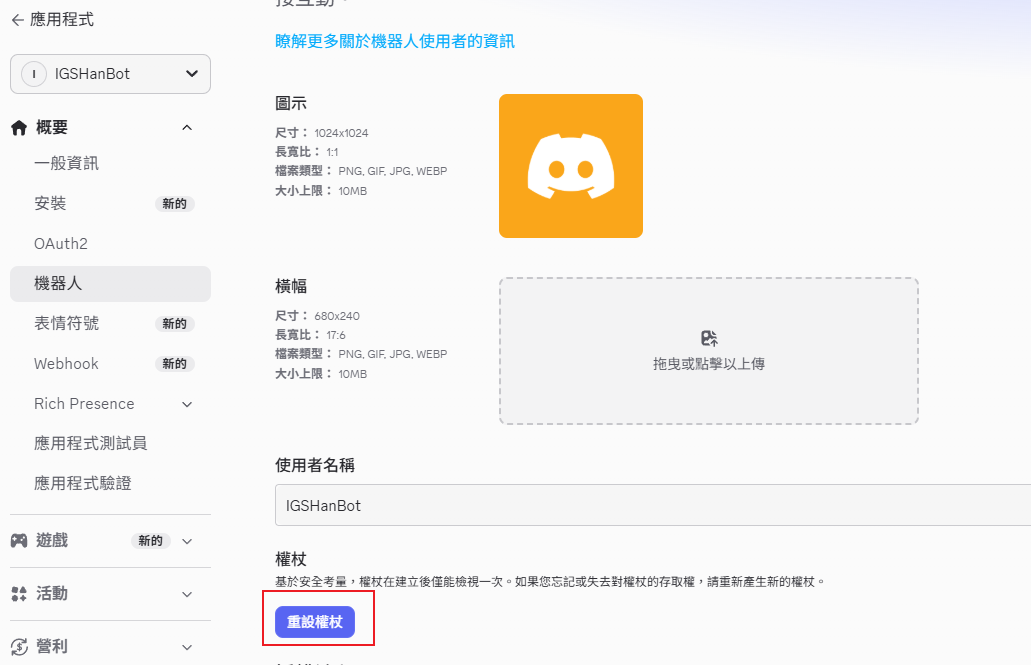
agend quickstart.Enable the privileged intents
Still on the Bot tab, scroll to Privileged Gateway Intents. AgEnD needs Message Content Intent to read your messages at all — without it the bot connects but never sees what you type. Turning on all three (as pictured) is also fine and avoids surprises later. Click Save Changes.
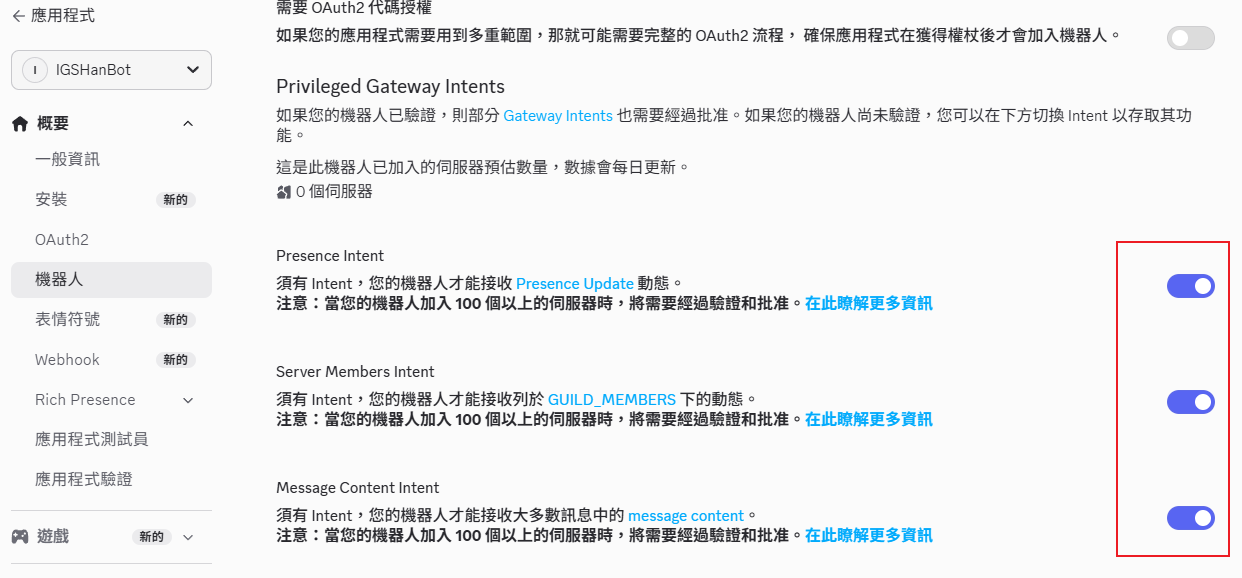
Open OAuth2 → URL Generator
This is where you build the invite link for your bot.
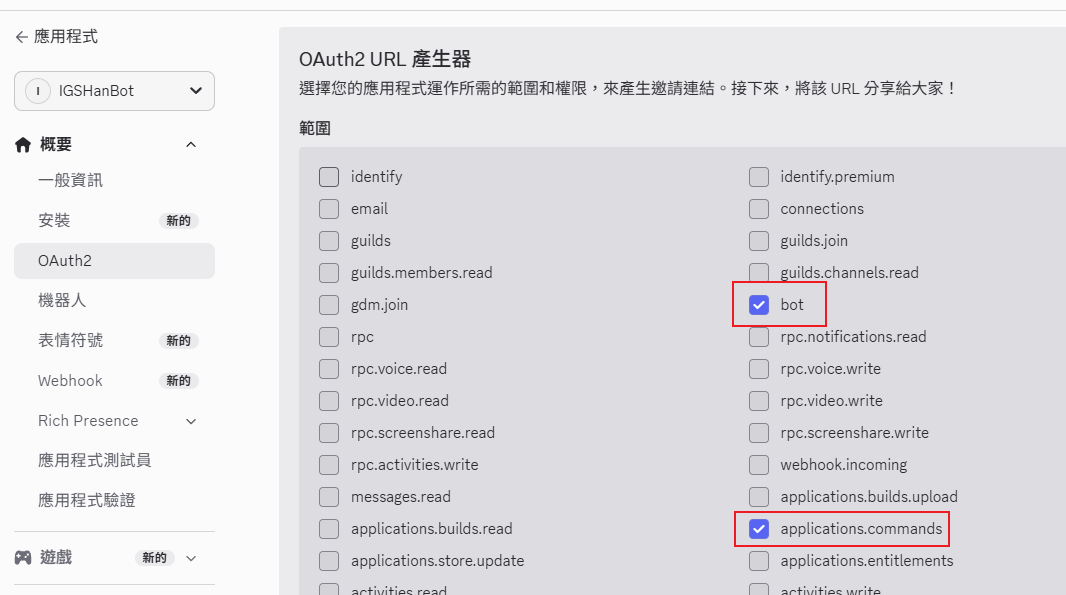
Select the scopes
Check bot and applications.commands. The second one is what makes /start, /chatand /stop available.
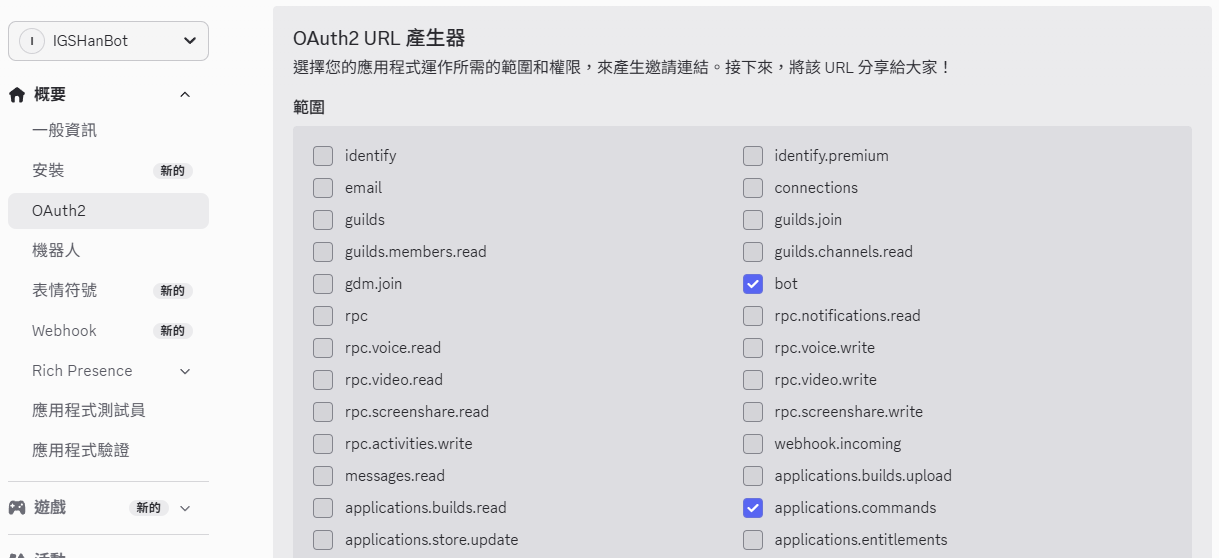
Select the bot permissions
In Bot Permissions, tick Administrator. On your own dedicated server this is the simplest option — the bot has to create channels and threads, manage messages, and post everywhere.
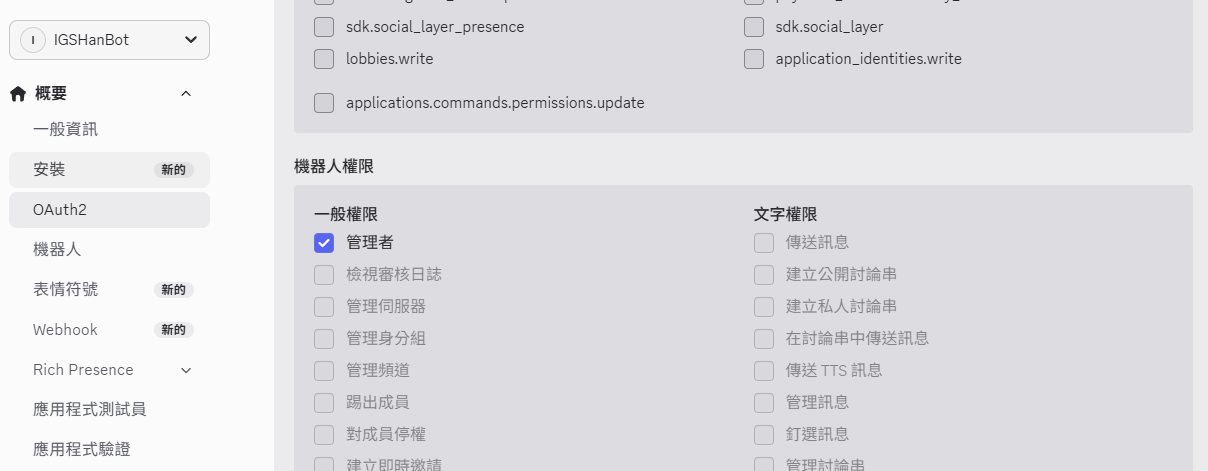
Invite the bot to your server
Copy the generated URL at the bottom of the page, paste it into your browser, and pick the server you created in step 0. The bot appears offline until AgEnD is running — that's expected.
Prepare the General channel ID
Quickstart first detects your account from a message and asks you to confirm its username and ID. Prepare the ID of the channel the General agent will answer in; your user ID is a manual fallback. In Discord: User Settings → Advanced → Developer Mode on. Then:
- • For manual entry or the web wizard: right-click yourself → Copy User ID. A valid 17–20-digit ID is required.
- • Right-click the text channel for General → Copy Channel ID.
Run quickstart
agend quickstart # pick Discord, paste the token, confirm your account and enter the channel ID
When prompted, send a message in the selected server where the bot can see it, or DM the bot. Confirm the displayed username and user ID only if they are yours. Detection waits at most 30 seconds; if it fails or you decline, paste your own user ID. Blank or malformed IDs are refused. Detection does not need Message Content intent; normal fleet chat still needs the intent enabled above.
Quickstart finds the server the bot is in, writes fleet.yaml with access locked to your user ID, and offers to set up ClassicBot (classicBot.yaml, with this server allowed and you as its admin). At the end it offers to install the fleet as a service and start it. If you said no, runagend start.
Then send a message in the General channel. To open the web dashboard, use /web there: the bot sends you a sign-in link and a one-time code privately.
Adding the bot to a server you don't own
If you only want ClassicBot slash commands (/start,/chat, /stop) in an existing server, Administrator is not needed. Grant the narrower set below instead.
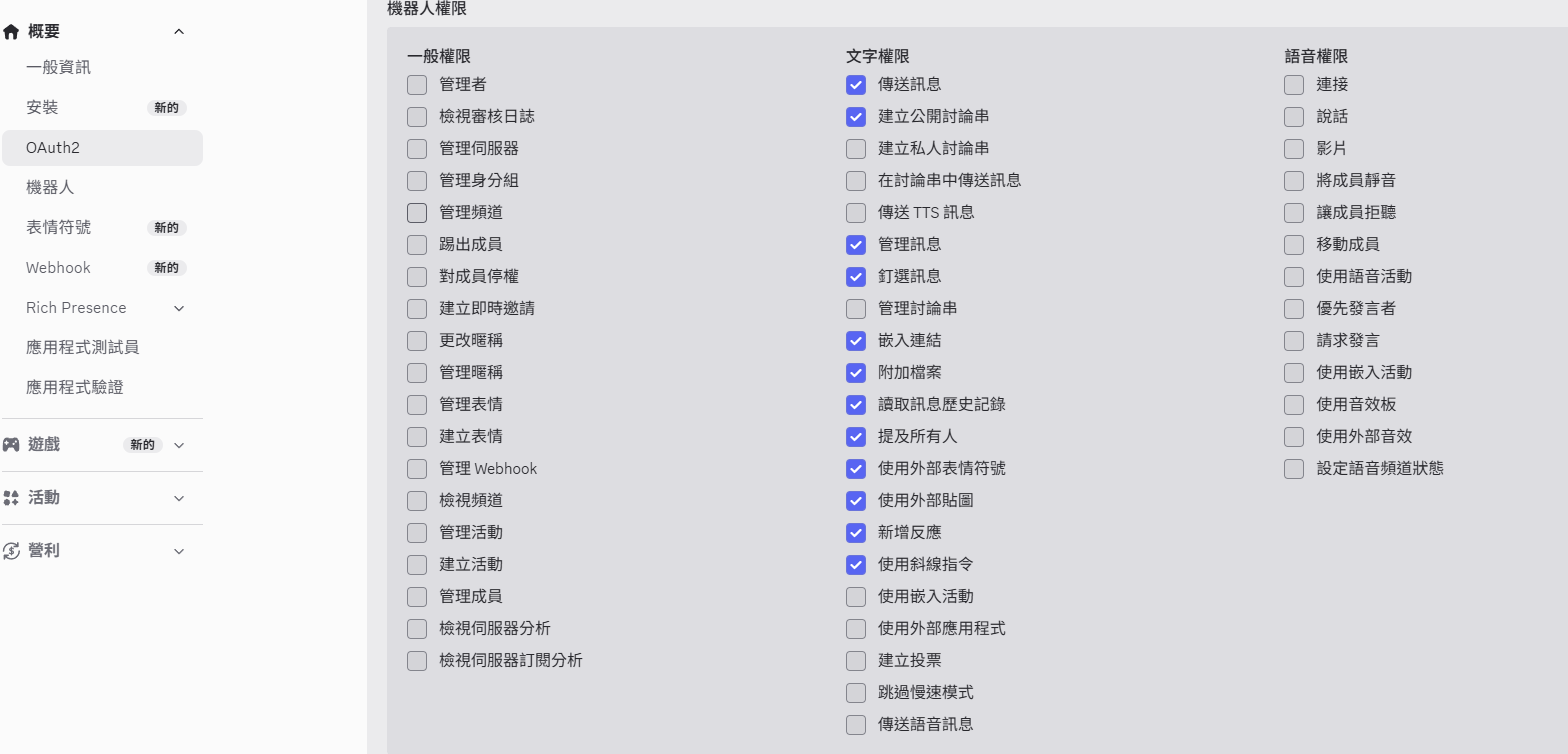
allowed_guilds in~/.agend/classicBot.yaml. When someone who is not a ClassicBot admin runs /start in a new channel of a server that is not listed, General asks you first, with Allow / Allow+admin / Ignore buttons. An empty list does not mean every server. ClassicBot admins (admin_users) and channels already started are not asked again. Quickstart adds your own server and makes you an admin.defaults:
backend: claude-code
allowed_guilds:
- "123456789012345678"Troubleshooting
| Symptom | Cause | Fix |
|---|---|---|
| Bot is online but ignores messages | Message Content Intent off | Bot tab → Privileged Gateway Intents → enable → Save Changes → restart the fleet |
| Slash commands don't show up | Missing applications.commands scope | Re-generate the invite URL with that scope and re-invite the bot |
| Bot can't create channels or threads | Insufficient permissions | Give it Administrator on your own server, or grant Manage Channels / Manage Threads |
| /start in a server doesn't start an agent | Server not in allowed_guilds | Approve the request General posts, or add the guild ID to allowed_guilds in classicBot.yaml. Then run /start again |